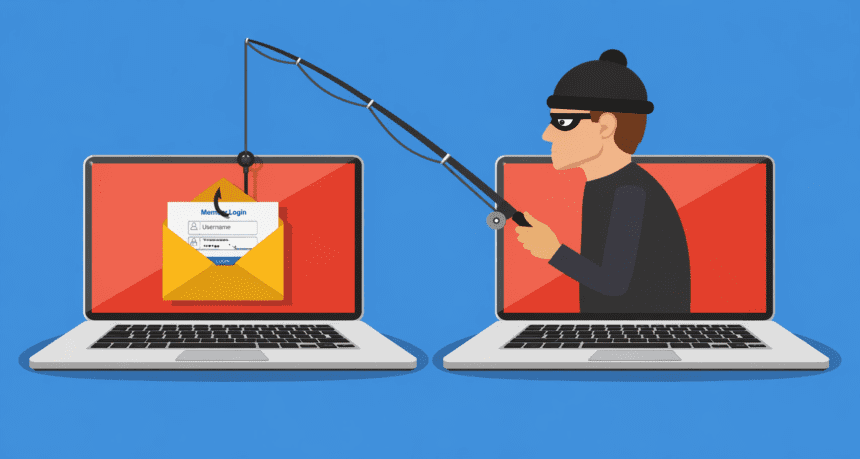
Phishing attacks have moved far beyond the poorly spelled emails of the past. Today’s digital thieves use sophisticated social engineering, cloned websites, and AI-generated messages to trick you into handing over your bank logins, passwords, and personal identity.
The goal is simple: urgency. Whether it’s a text message claiming your package is stuck at a distribution center or an email warning of a suspicious transaction on your account, the attacker wants you to act before you think.
Once you click that link, the damage is often done.
The Anatomy of a Trap
Most phishing attempts rely on “pretexting.” An attacker poses as a trusted entity—your bank, a government agency, or even a colleague. They mimic the branding, the logos, and the tone of the organization perfectly.
Don’t rely on visual cues alone. A website might look identical to your bank’s portal, but if you check the URL bar, the domain name will be slightly off—perhaps an extra letter or a different extension like .net instead of .com. That is the only sign you’ll get before you surrender your credentials.
Protecting Your Data
Stop trusting incoming links. If you receive an urgent alert from a service provider, close the app or email. Open your browser, manually type the company’s official website address, and log in from there. If the alert is legitimate, it will appear in your account dashboard. If it doesn’t, you just saved yourself from a data breach.
Enable multi-factor authentication (MFA) on every account that offers it. Even if an attacker steals your password, they’ll still need the second factor—usually a code sent to your physical device—to access your account. It is the single most effective barrier against account takeover.
Why It Matters
One slip-up can lead to identity theft, drained savings, or long-term digital extortion. The landscape of cybercrime is shifting toward mass-automated attacks, meaning no one is too small or too unimportant to be targeted.
If a message creates a sense of panic or demands immediate action, treat it as a threat. Delete it, block the sender, and move on. Security is not about being paranoid; it’s about verifying before you click.