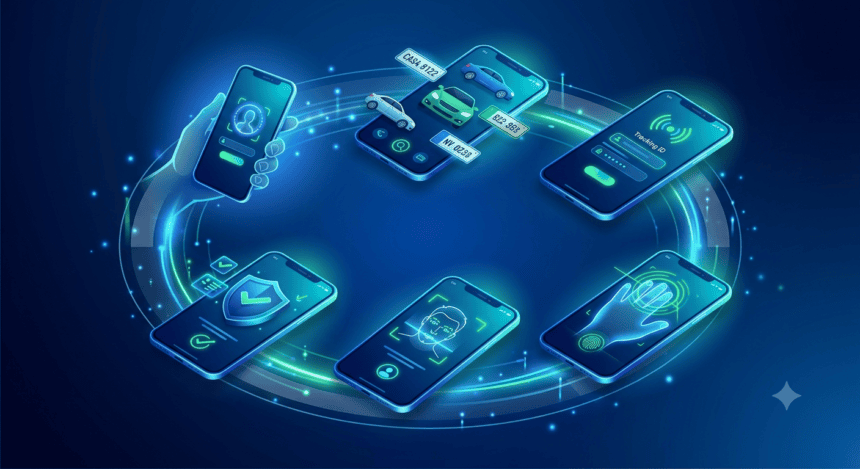
Vehicle owners in Pakistan are shifting away from long queues and office visits as the Excise and Taxation Department integrates NADRA’s biometric systems into the digital space. If you’re looking to verify your vehicle ownership or complete a transfer, the Pak ID App now serves as the primary gateway for identity authentication.
Here is how to navigate the process.
The Prerequisites
Before opening the app, ensure your smartphone is NFC-enabled. This is non-negotiable; the app uses Near Field Communication to scan the chip embedded in your CNIC. You must also have your original CNIC and the vehicle’s registration details at hand.
The Verification Process
Once you’ve logged into the Pak ID App, select the “Biometric Verification” module. The app will prompt you to scan your CNIC. Place your card against the back of your phone—specifically near the camera module—and hold it steady until the device detects the chip.
After the chip scan, the app initiates a liveness check. You will be prompted to record a short video or take a series of photos following the on-screen instructions. This confirms that the person performing the verification is the actual CNIC holder, effectively blocking unauthorized attempts at vehicle registration or transfer.
Why the Shift?
For years, vehicle transfers were plagued by “open letters” and manual verification loopholes. By tethering vehicle records to NADRA’s live biometric database, the government is aiming to eliminate identity fraud. If the biometric scan fails, the system immediately flags the transaction for manual review, preventing the process from moving forward until the owner appears in person at an Excise office.
Common Hurdles
The most frequent issue users report is “NFC Failure.” If your phone isn’t reading the card, check your settings to ensure NFC is toggled on. If the issue persists, your CNIC chip might be damaged—a common occurrence for older cards. In such cases, the app will not bypass the requirement, and you will need to visit a NADRA center to update your card.
What Happens Next?
Once the app confirms your biometrics, the data is encrypted and transmitted to the Excise department’s central server. You’ll receive a digital confirmation or a reference number within the app. Keep this number safe; it acts as your proof of verification when you finalize the transfer or registration at the Excise office.
This integration is a push toward a paperless vehicle ecosystem. While the app handles the identity verification, the final registration documents—the smart card—are still issued through the respective provincial Excise departments. Use the app to clear the identity hurdle, but expect to coordinate with your local motor registration authority to close the loop on your vehicle paperwork.